今天给大家介绍一个WordPress 主题 —— Twenty Twenty-Four,目前已有 500,000 次安装。Twenty Twenty-Four is designed to be flexible, versatile and applicable to any website. Its collection of templates and patterns tailor to different needs, such as presenting a business, blogging and writing or showcasing work. A multitude of possibilities open up with just a few adjustments to color and typography. Twenty Twenty-Four comes with style variations and full page designs to help speed up the site building process, is fully compatible with the site editor, and takes advantage of new design tools introduced in WordPress 6.4.。需要的点下面的按钮直接去官方页面获取。
项目简介
Twenty Twenty-Four is designed to be flexible, versatile and applicable to any website. Its collection of templates and patterns tailor to different needs, such as presenting a business, blogging and writing or showcasing work. A multitude of possibilities open up with just a few adjustments to color and typography. Twenty Twenty-Four comes with style variations and full page designs to help speed up the site building process, is fully compatible with the site editor, and takes advantage of new design tools introduced in WordPress 6.4.
基本信息
- 名称:Twenty Twenty-Four
- 类型:WordPress 主题
- 开发语言:PHP
- 授权协议:GPLv2 or later
- 热度数据:500,000 次安装
- 最后更新:2026-08-19
功能特点
- 开发语言:PHP
- 关键标签:Accessibility ready、Block editor patterns、Block editor styles、Blog、Custom colors、Custom logo
- 授权协议:GPLv2 or later,可用于商业项目(请遵守协议条款)
- 热度数据:500,000 次安装
- 持续维护:最近更新于 2026-08-19
- 当前版本:1.6
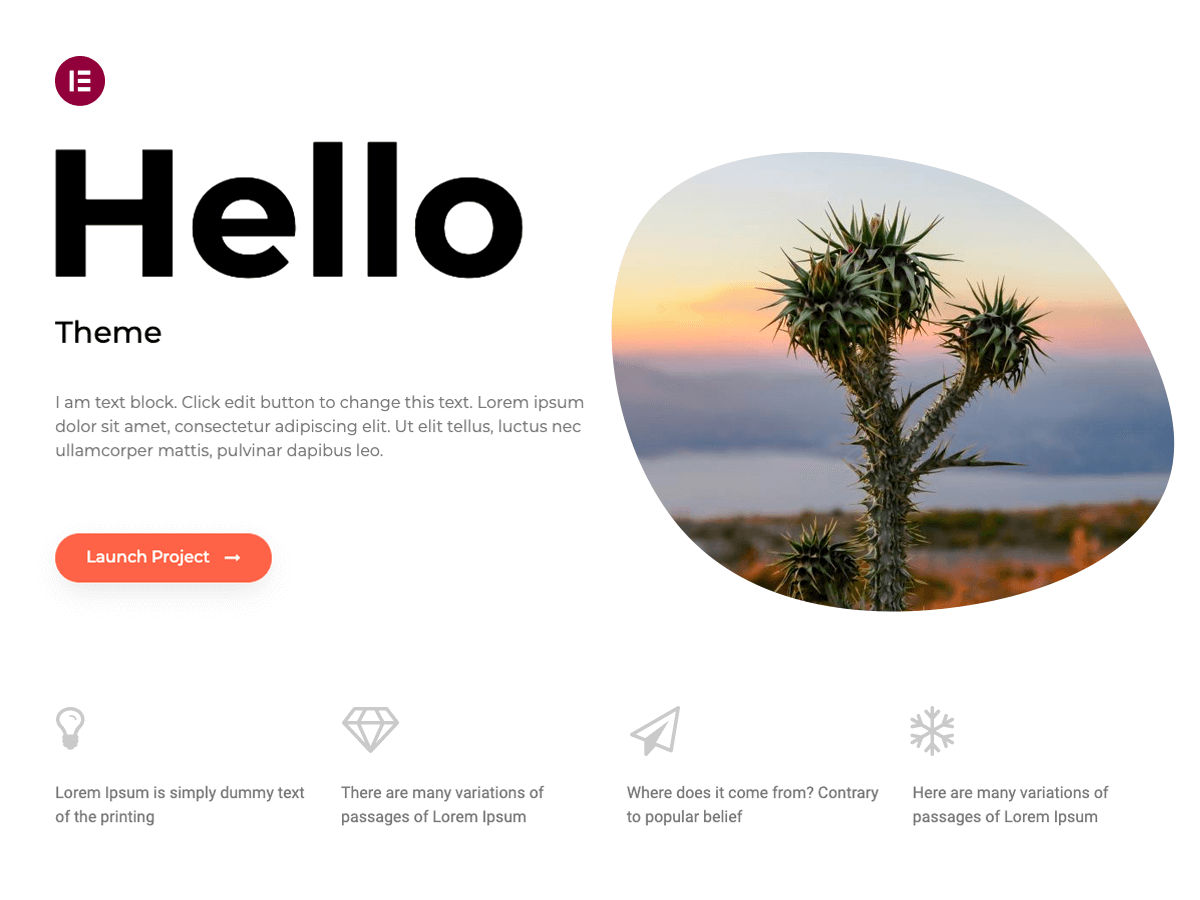
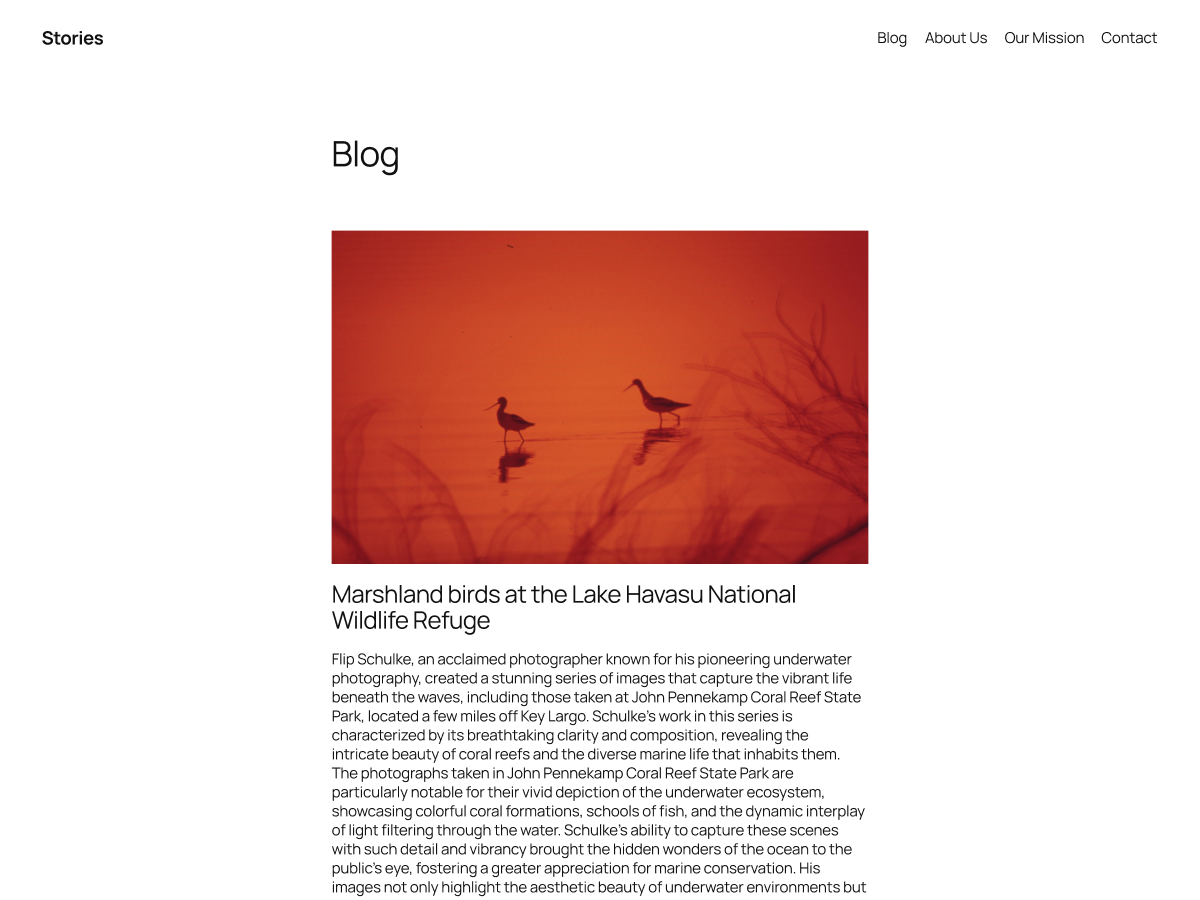
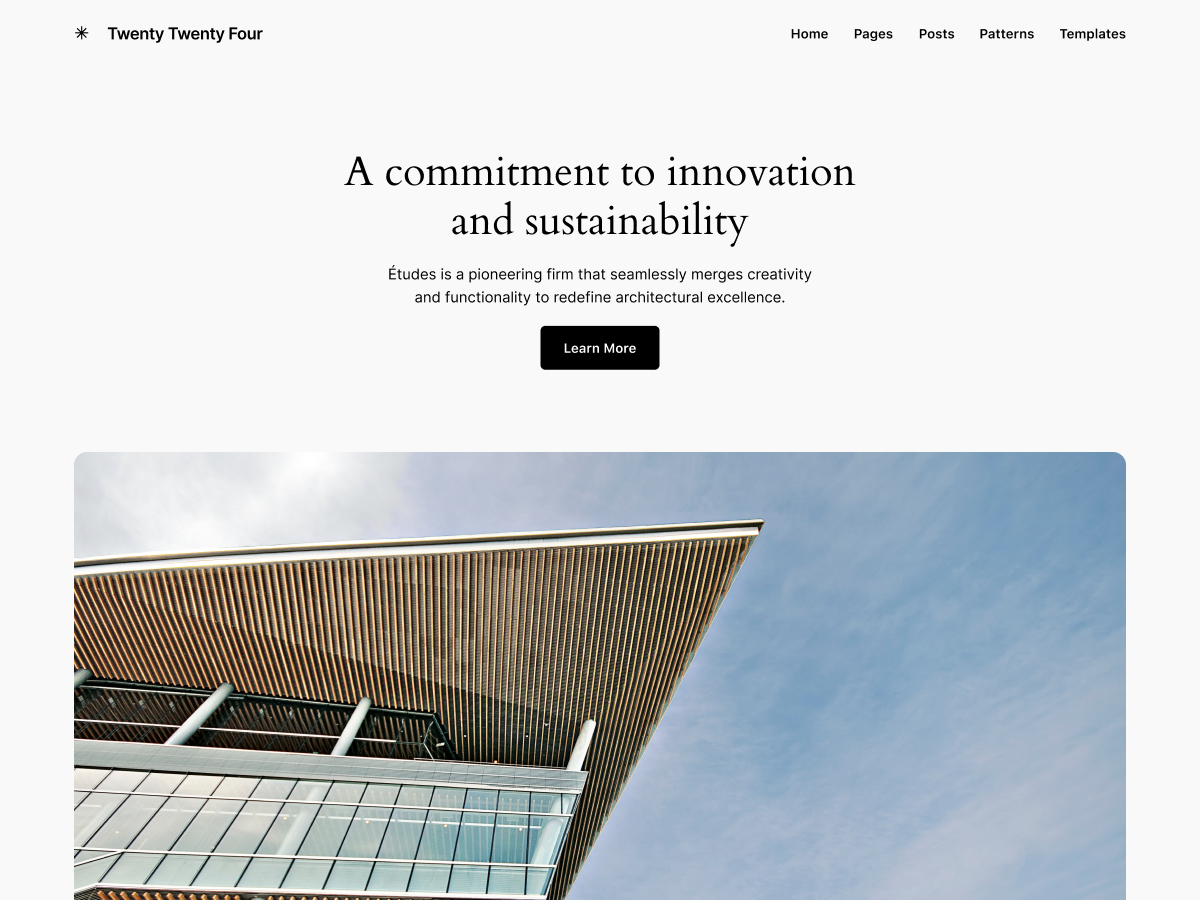
界面预览
(上图来自项目官方公开素材,仅作功能示意)
安装与使用
# 后台安装
外观 → 主题 → 添加新主题 → 搜索「Twenty Twenty-Four」→ 安装 → 启用

# 手动上传
下载主题安装包 → 后台 → 外观 → 主题 → 上传主题 → 选择 zip → 安装
使用说明
主题启用后,进入「外观 → 自定义」可调整标题、Logo、配色与首页布局。建议启用前备份数据库。
适用场景
- 个人博客与自媒体站点
- 企业官网与产品展示
- 内容型站点快速搭建
写在最后
本文介绍的 Twenty Twenty-Four 是公开项目,遵循 GPLv2 or later 授权发布。 项目地址:https://wordpress.org/themes/twentytwentyfour, 使用前请阅读原项目的许可条款。本文仅为项目介绍与技术分享,版权归原作者所有。
如果你正在找同类资源,本站还整理了更多开源项目与实用工具,欢迎浏览。